Features
Instance & Pack Management
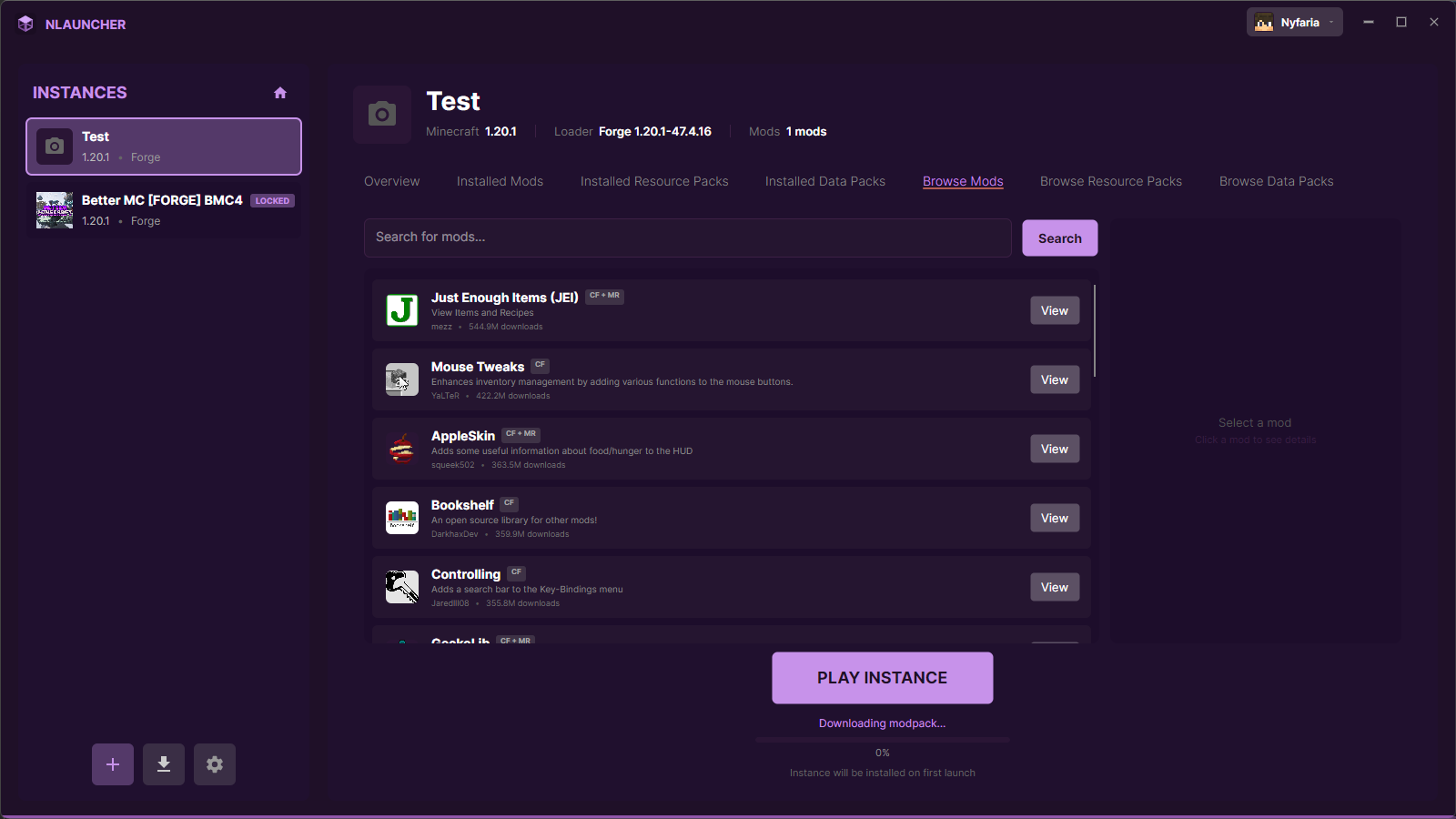
Create and manage multiple isolated Minecraft instances with Forge, NeoForge, Fabric, Quilt, or Vanilla. Each instance gets its own mods, resource packs, shader packs, data packs, configs, and world saves with per-instance RAM, resolution, and Java settings. Browse and install packs directly from CurseForge and Modrinth without leaving the launcher — search both platforms, check dependencies, and install any version instantly. Automatic update checking keeps everything current with one-click batch updates. Sinytra Connector support lets you use Fabric mods on Forge.
Built-in Script & Config Editor
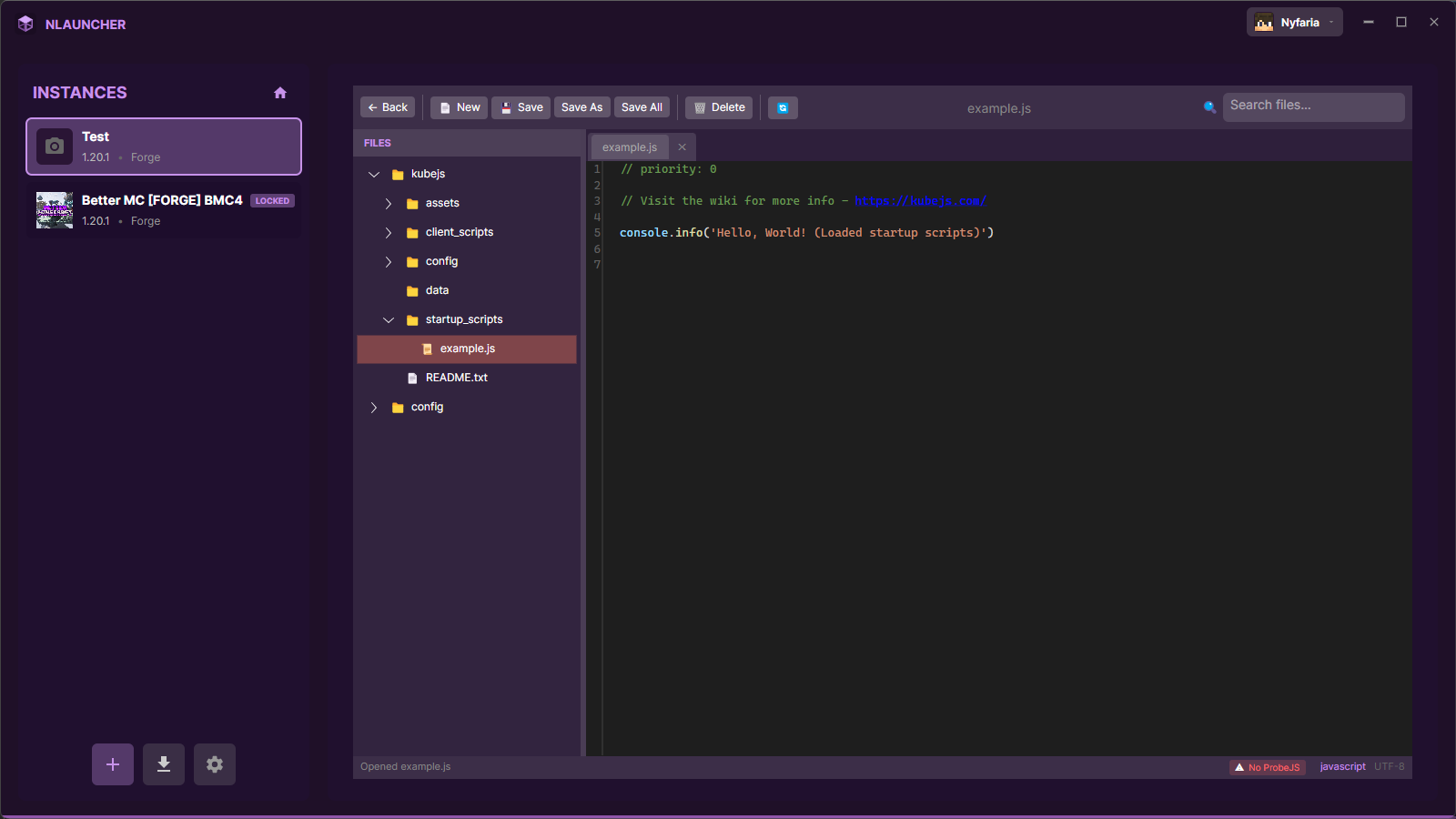
Professional code editor with syntax highlighting for KubeJS scripts, JSON configs, and TOML files. Features IntelliSense autocomplete when ProbeJS is detected, with optional JavaScript language support that can be installed directly from the launcher. Edit modpack configurations, server properties, and startup scripts without switching applications.
Git Integration & Publishing
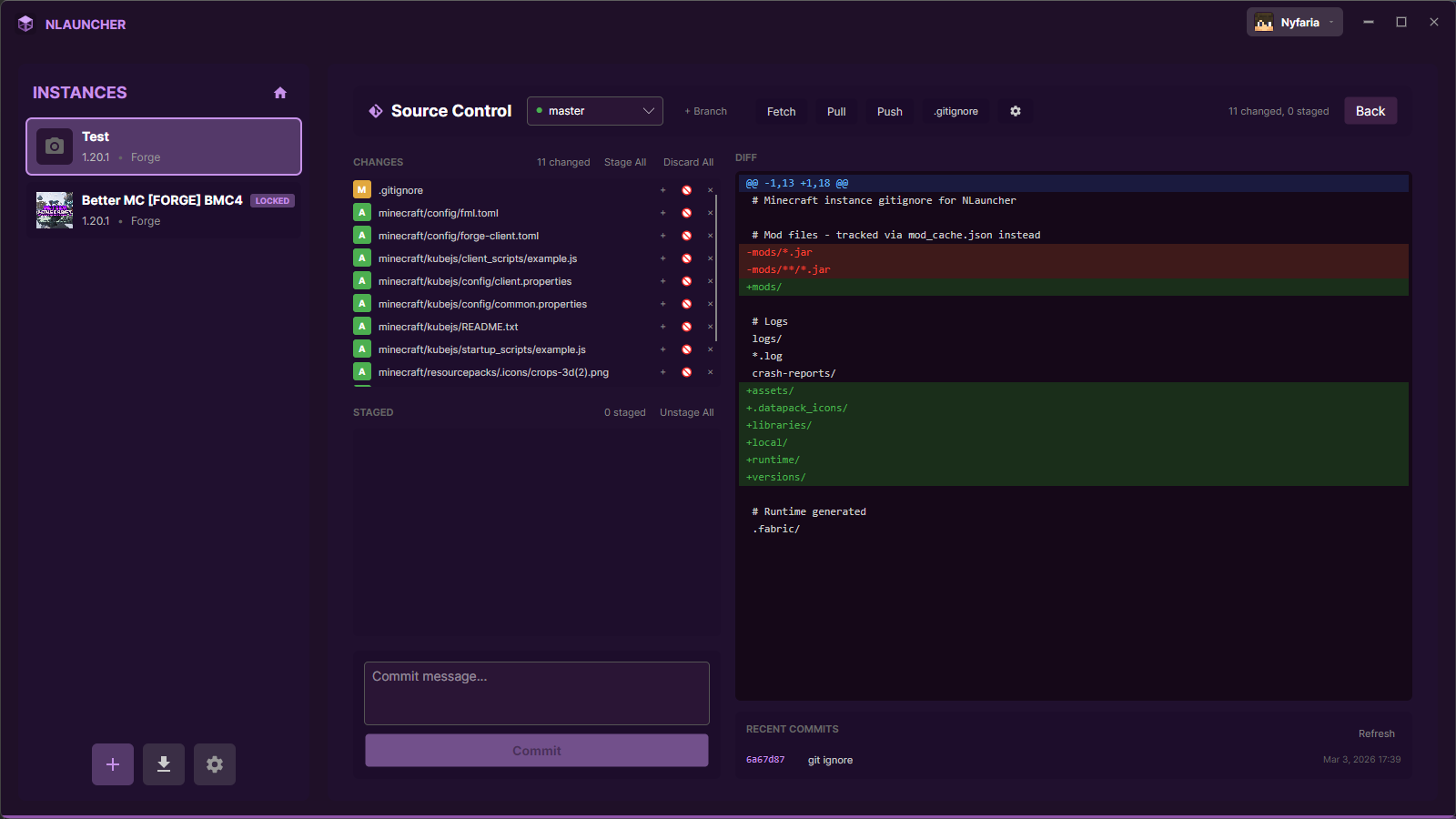
Full Git source control built into the launcher — stage, commit, push, pull, branch, and manage remotes from a dedicated Git panel. Automatic pack sync after pull detects missing or removed packs and prompts you to download or clean up. When you're ready to release, publish to CurseForge, Modrinth, and GitHub simultaneously with one click. Auto-increment version numbers, save changelog templates, run pre/post-publish scripts, and create Git tags automatically.
Plugins & Themes
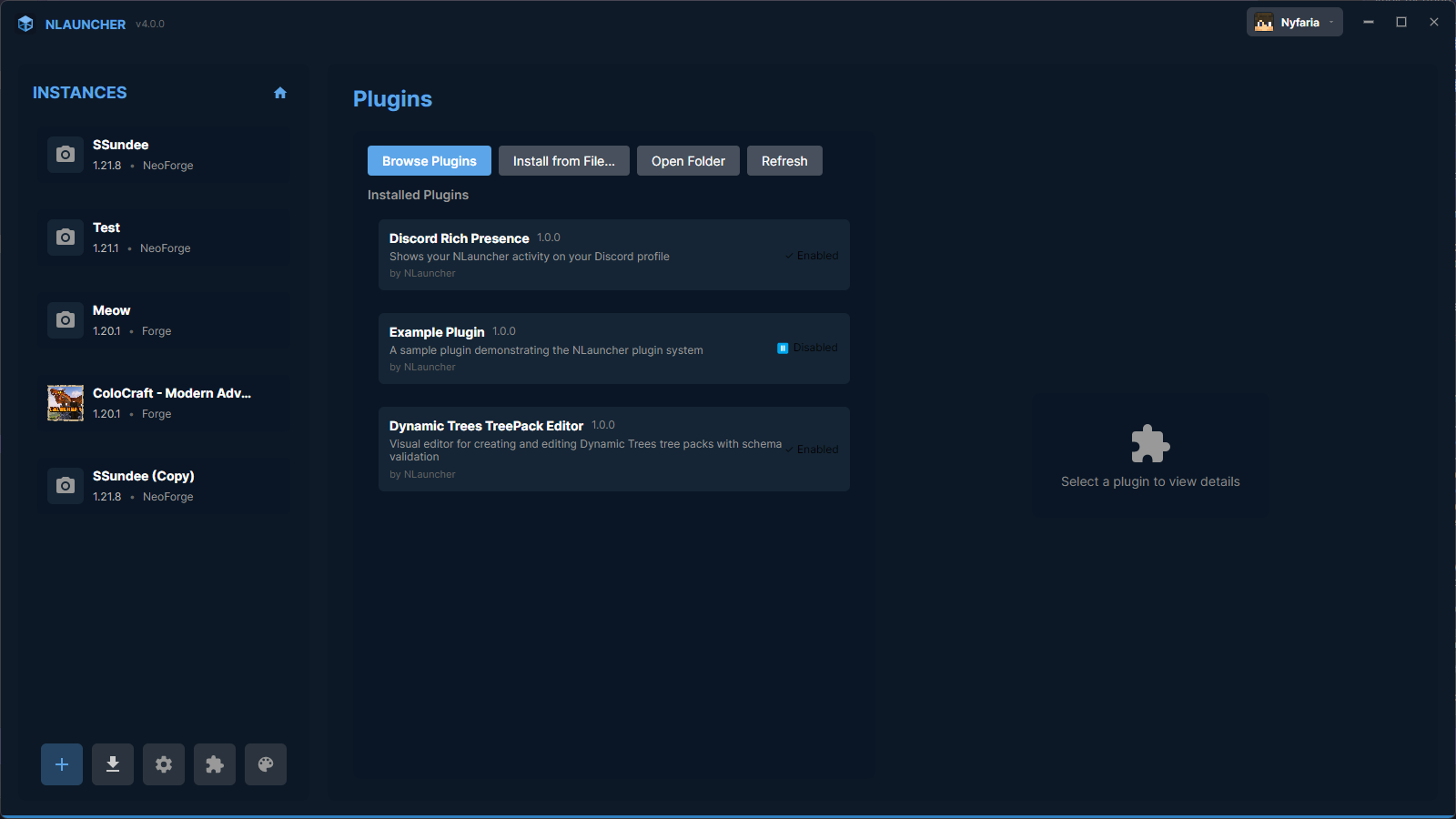
Extend NLauncher with community plugins from the built-in Plugin Browser, or build your own with the Plugin SDK. Plugins can add tabs, tools, settings, and context menu items. Personalize the launcher with fully customizable color themes — browse community themes, import/export theme files, or create your own from scratch. Every color in the UI is themeable.
3D Skin Preview
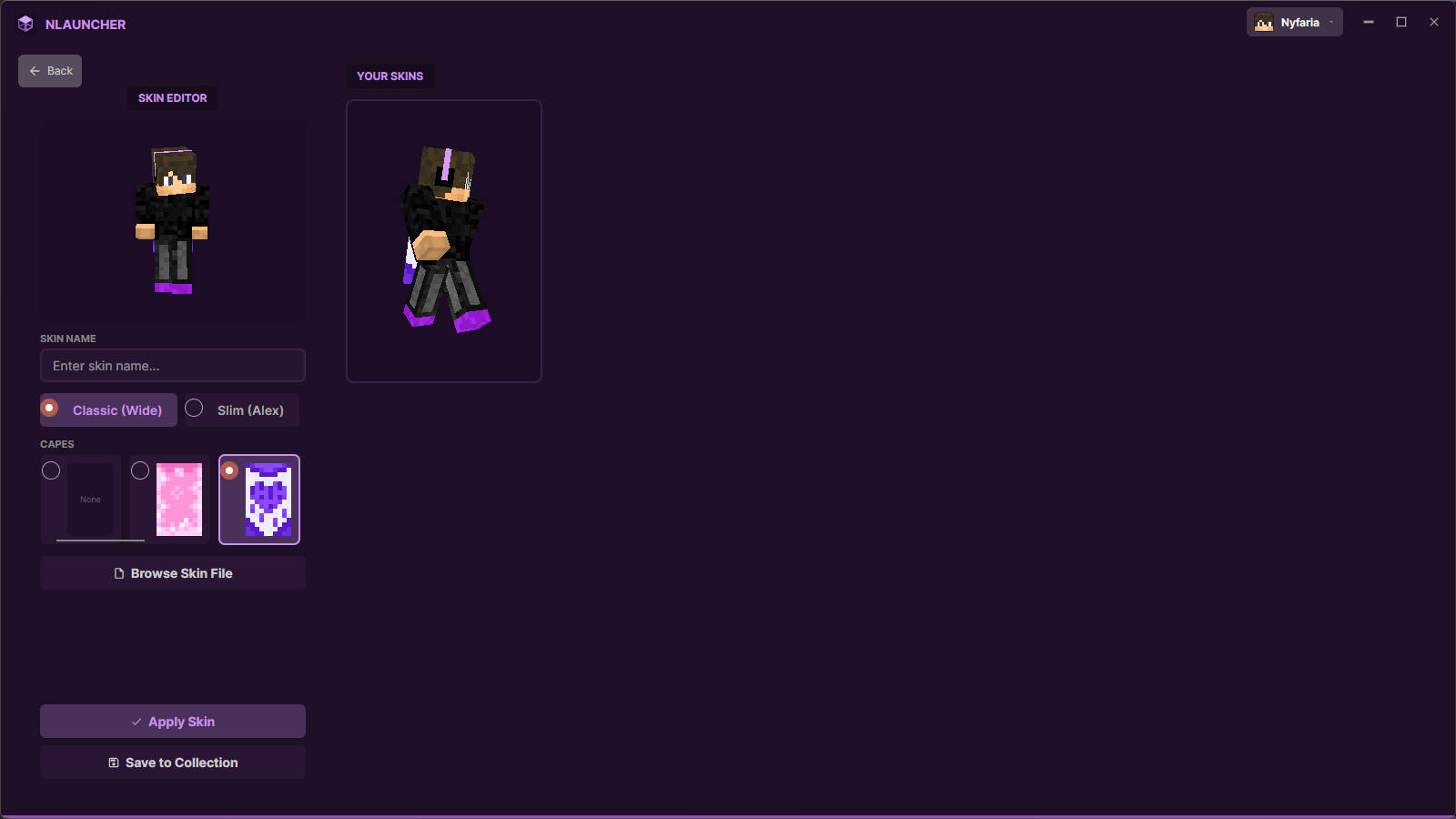
Preview your Minecraft skins with a real-time 3D model viewer rendered with OpenGL shaders. Upload new skins, switch between saved skins instantly, and manage your capes. See exactly how you'll look in-game before applying changes.